
What a Montgomery County Court Docket Is
A docket sheet is the public summary of a case file. It is not the full file. It does not hold every motion or order as a PDF. Instead, it records each event as a dated line, so you can see the path a case took from filing to disposition. For Montgomery County, the public docket sheets live on the Pennsylvania Unified Judicial System portal.
Dockets exist at every court level. The Court of Common Pleas keeps criminal, civil, and family dockets. The 29 Magisterial District Courts keep traffic, summary, landlord-tenant, and small-claim dockets. Appellate dockets exist when a case moves up to the Superior, Commonwealth, or Supreme Court. The Pennsylvania court case information page spells out which dockets the free portal covers.
People reach for a docket for plain reasons. A defendant wants the next hearing date. A landlord checks the status of an eviction. A reporter follows a case. A parent confirms a support matter moved forward. The docket answers the "what happened and when" question without a trip to Norristown. It will not, on its own, hand you the judge's full written order, but it tells you the order exists and when it was entered.
Montgomery County Docket Number Formats
The docket number is a code, and once you learn it, you can read a lot at a glance. The prefix names the court. The county number for Montgomery County Common Pleas is 46, and the local district court numbers begin with 38.
- CP-46-CR-0000000-YYYY - a Common Pleas criminal case in Montgomery County.
- CP-46-JV-0000000-YYYY - a juvenile reference; public access is restricted.
- MJ-38XXX-TR-0000000-YYYY - a Magisterial District Court traffic case.
- MJ-38XXX-NT or -CR - district court non-traffic or summary criminal cases.
The OTN, or Offense Tracking Number, links charges to one person across cases. A citation number is different again; it is the unique number printed on a ticket, and it includes a dash, such as A5368532-1.
How to Search Montgomery County Court Dockets
The search itself is short once you have a name or number. The UJS Case Search drives the whole process through a single Search By menu.
- Open UJS Case Search and choose a Search By type.
- For a name, enter last and first name and set County to Montgomery.
- For a number, choose Docket Number or Citation Number and type the exact format.
- Open the matching result to load the public docket sheet.
- Read the events from the top down to follow the case timeline.
The field table below shows the parts of the docket search you will use most.
| Field | Type | Required | Notes |
|---|---|---|---|
| Search By | Dropdown | Yes | Docket Number, Participant Name, Citation Number, OTN, and more. |
| Docket Number | Text | If selected | Use the full CP-46 or MJ format with the year. |
| County | Dropdown | For name search | Choose Montgomery to limit statewide matches. |
| Scheduled Events Only | Checkbox | No | Shows only cases with a future hearing or event. |
Choosing the right Search By type saves time. If you hold a ticket, use Citation Number, because it accepts the ticket's own number. If you hold a docket number, the prefix already tells the portal which court to check. For a name with no number, use Participant Name and always set the County field, since Pennsylvania is a large statewide database and common names return many false matches. Attorney and OTN searches help when you know the lawyer or the offense tracking number but not the docket.
A free mobile app called PAeDocket runs the same searches by case number, name, OTN, or incident number.
What a Montgomery County Docket Sheet Shows
Each docket sheet follows the statewide layout, so the fields look the same whether the case is criminal or civil. The sample inventory below lists the entries you can expect to read.
| Docket Field | What It Shows |
|---|---|
| Case Caption | Court, county or district, and the case number. |
| Participants | Defendant, plaintiff, attorneys, and the Commonwealth where it applies. |
| Charges or Claims | The offense or the civil cause that opened the case. |
| Docket Entries | Complaint, arraignment, motions, orders, continuances, and payments. |
| Calendar Events | Hearing, trial, conference, or sentencing dates. |
| Disposition | The outcome of each charge and any sentence or judgment. |
Financial lines may also appear, such as fines, costs, restitution, and bail. Limited-access cases will not show these online.
District Court Dockets vs Common Pleas Dockets
The two trial levels keep different dockets, and the difference matters when you search. A district court docket follows a local case from citation or complaint through a preliminary hearing. A Common Pleas docket picks up the more serious cases and the full civil suits. The comparison below sums up the split.
| Point | Magisterial District Court | Court of Common Pleas |
|---|---|---|
| Docket prefix | MJ with a 38 number | CP-46 |
| Typical cases | Traffic, summary, landlord-tenant, small civil | Misdemeanors, felonies, full civil and family |
| Paper records | Ask the local district court office | Clerk of Courts or Prothonotary |
For paper district court records, the state judiciary tells users to contact the right Magisterial District Court office directly, and a complex request may need a written form.
Court Calendars and Scheduled Events
Dockets do more than record the past. They also point ahead to the next court date. The UJS Case Search has a Scheduled Events Only checkbox that limits results to cases with a future event before the court, such as a hearing, trial, arraignment, or conference. It is the fastest way to confirm a date when you do not need the whole case history. The filter does not apply to appellate cases.
The county also publishes Common Pleas civil calendars through the Prothonotary. One calendar lists cases by attorney, and another lists them by event type, which helps lawyers and parties plan a week in advance. For Magisterial District Court dates, the docket sheet itself names the office and the scheduled event. When in doubt about a date, call the court office on the docket rather than relying only on the screen, because a late entry may not have posted yet.
Public Access and Recent-Entry Limits
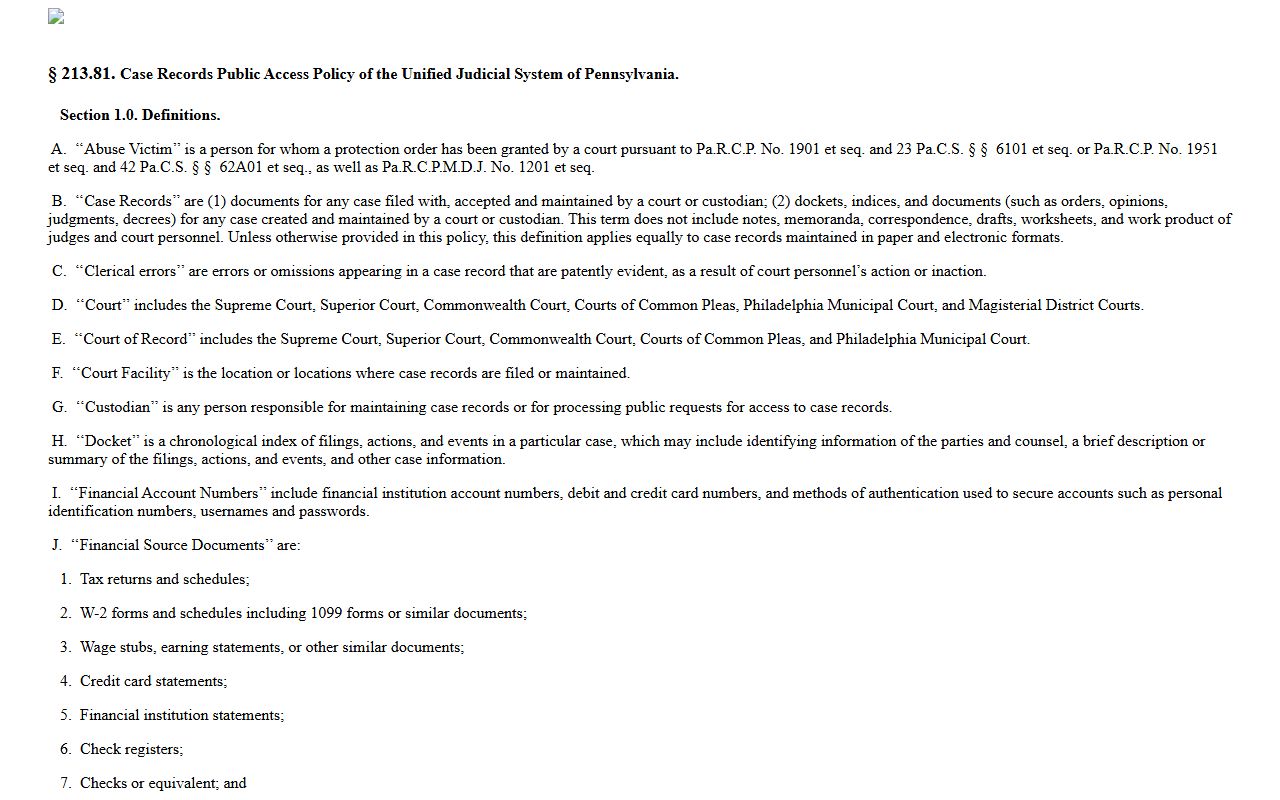
Court dockets follow the Unified Judicial System's Case Records Public Access Policy. The policy treats case records as open unless a rule or order restricts them, and it sets out what must stay confidential. The official policy text is published in the Pennsylvania Code.
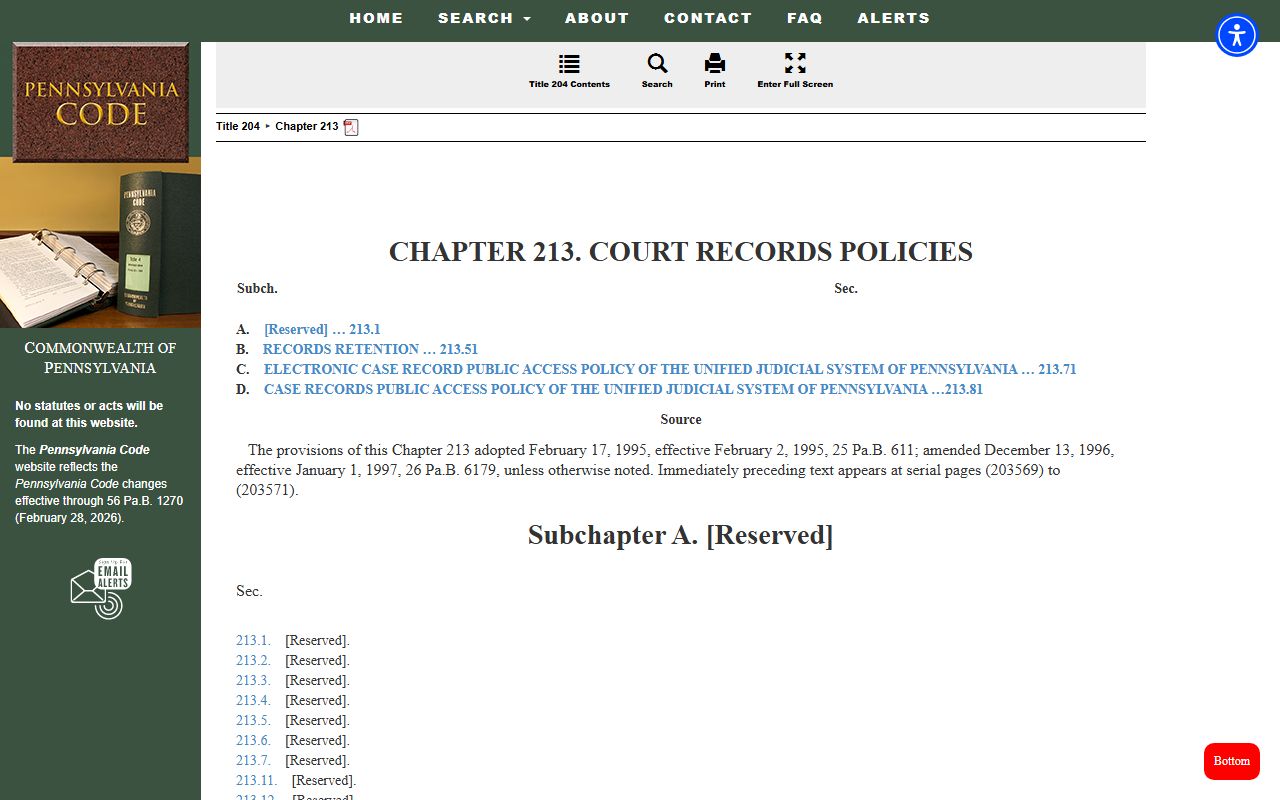
The broader chapter of court-records rules sits in the same code, and it is worth a look if you want the full framework behind docket access.
One practical limit: UJS warns that recent filings made at a court office may not show on the docket sheet right away. Online docket data is not a real-time guarantee.
Note: If a docket report will not open, check that your browser allows pop-ups and has a current PDF reader, since UJS reports need both.
Reading Docket Events in a Montgomery County Case
The body of a docket is the list of events, and each line carries a date and a short label. In a criminal case the events often run from complaint, to preliminary arraignment, to preliminary hearing, to formal arraignment in Common Pleas, then motions, a plea or trial, and sentencing. A civil case runs from complaint, to answer, to motions, to a judgment or settlement. Reading the lines in order shows you where the case sits today.
Watch the disposition line above all. A charge is what the case started with; the disposition is what the court decided. The same case can list several charges with different outcomes, such as guilty, not guilty, withdrawn, or dismissed. A continuance simply moves a date; it is not an outcome. A few terms come up again and again on Montgomery County dockets.
- Arraignment
- A hearing where charges and bail or conditions are addressed.
- Continuance
- A postponement of a scheduled event to a later date.
- Disposition
- The outcome of a charge or the whole case.
- Capias
- A court order to arrest or bring in a person, often after a missed date.
- OTN
- Offense Tracking Number that ties charges to a person across cases.
If a docket shows a capias or a bench warrant line, that is a signal to act. The warrant records page explains how to check the active bench warrant list and what to do next.
Dockets vs Full Case Records
A docket sheet and a case file are not the same thing. The docket lists what happened. The file holds the actual documents. UJS public docket sheets usually do not expose filed PDFs. To read a pleading, you may need the county Civil Viewer for civil cases or a certified copy from the clerk for criminal cases.
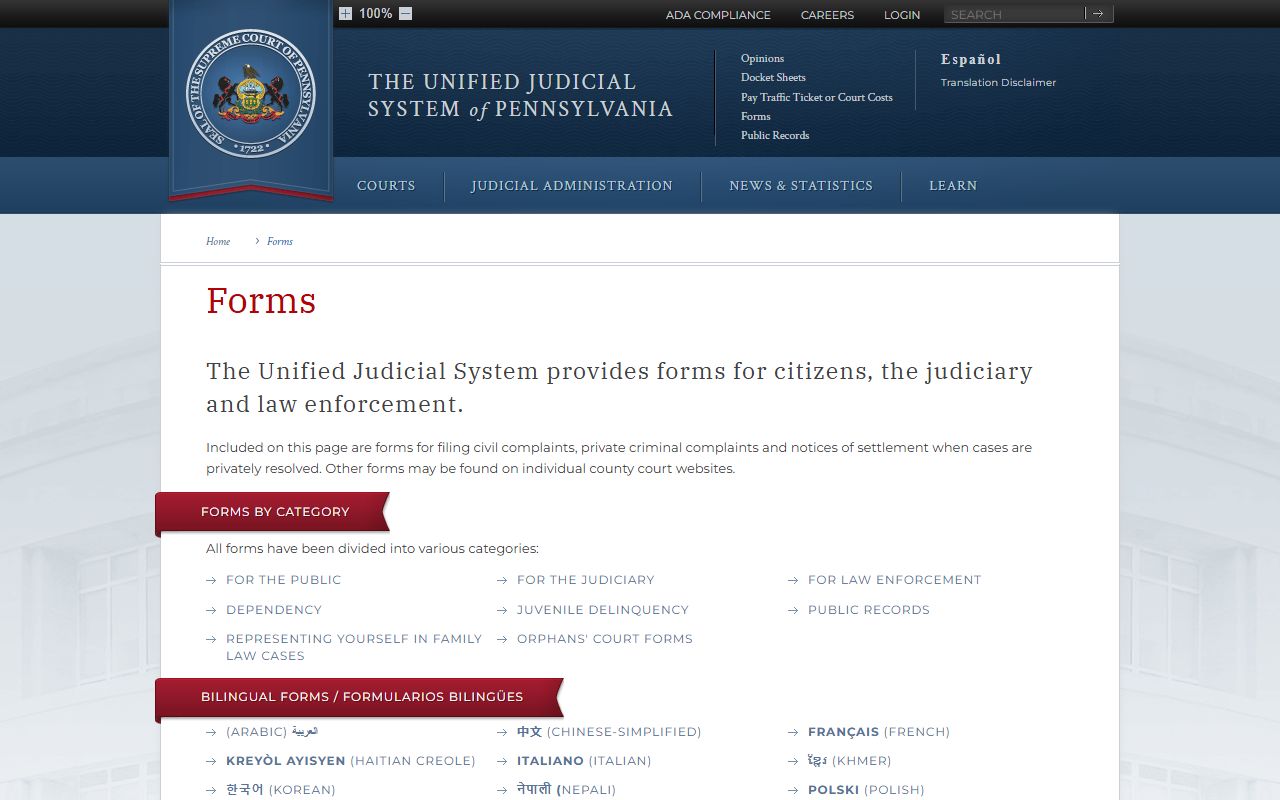
Court forms can help you act on what a docket shows. The statewide judiciary posts fillable forms for many case types.
For the full search tools behind these dockets, see the court records page and the arrest records page.